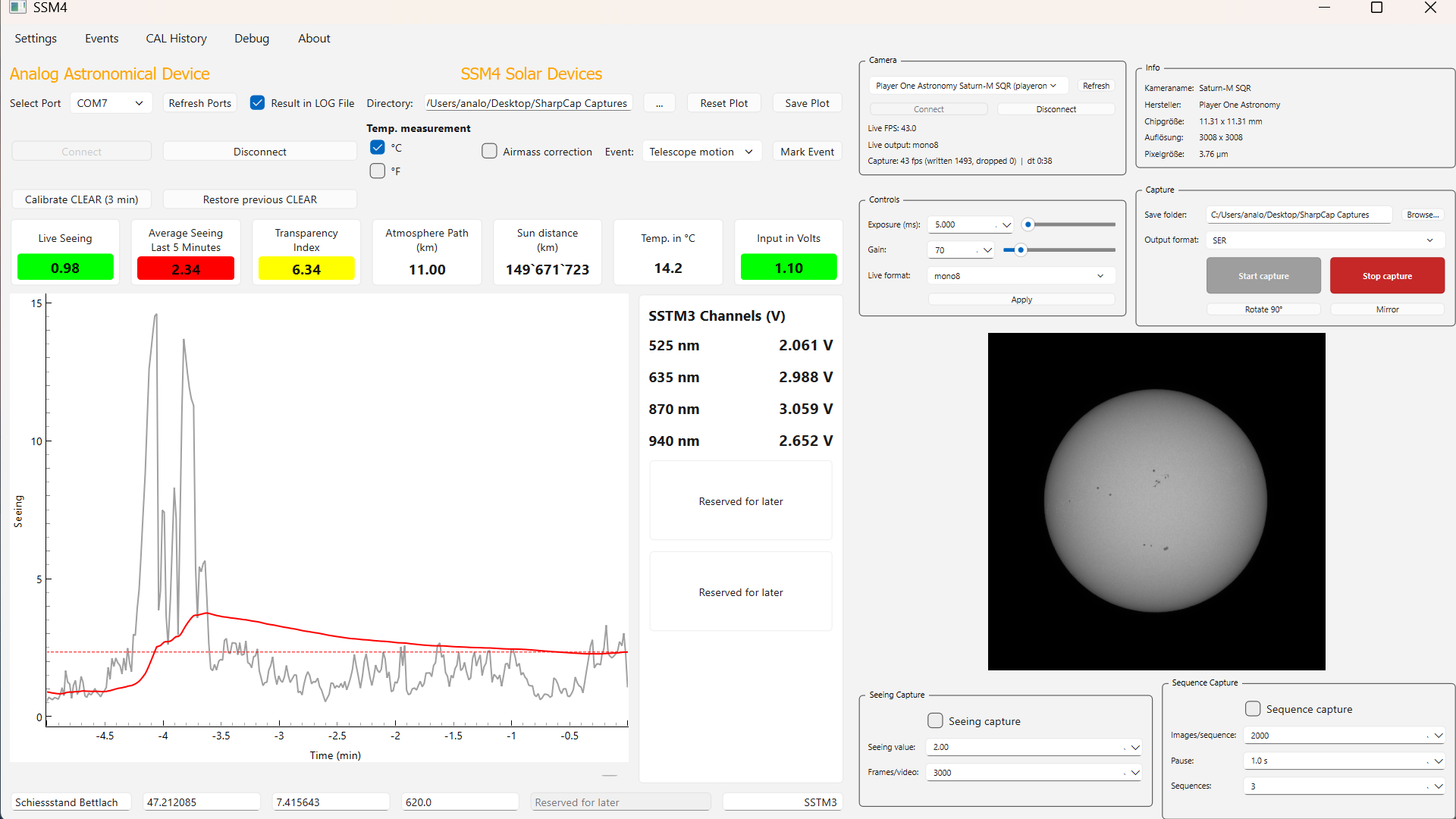
SolarStat Pro – Professional Solar Observation Software for Windows
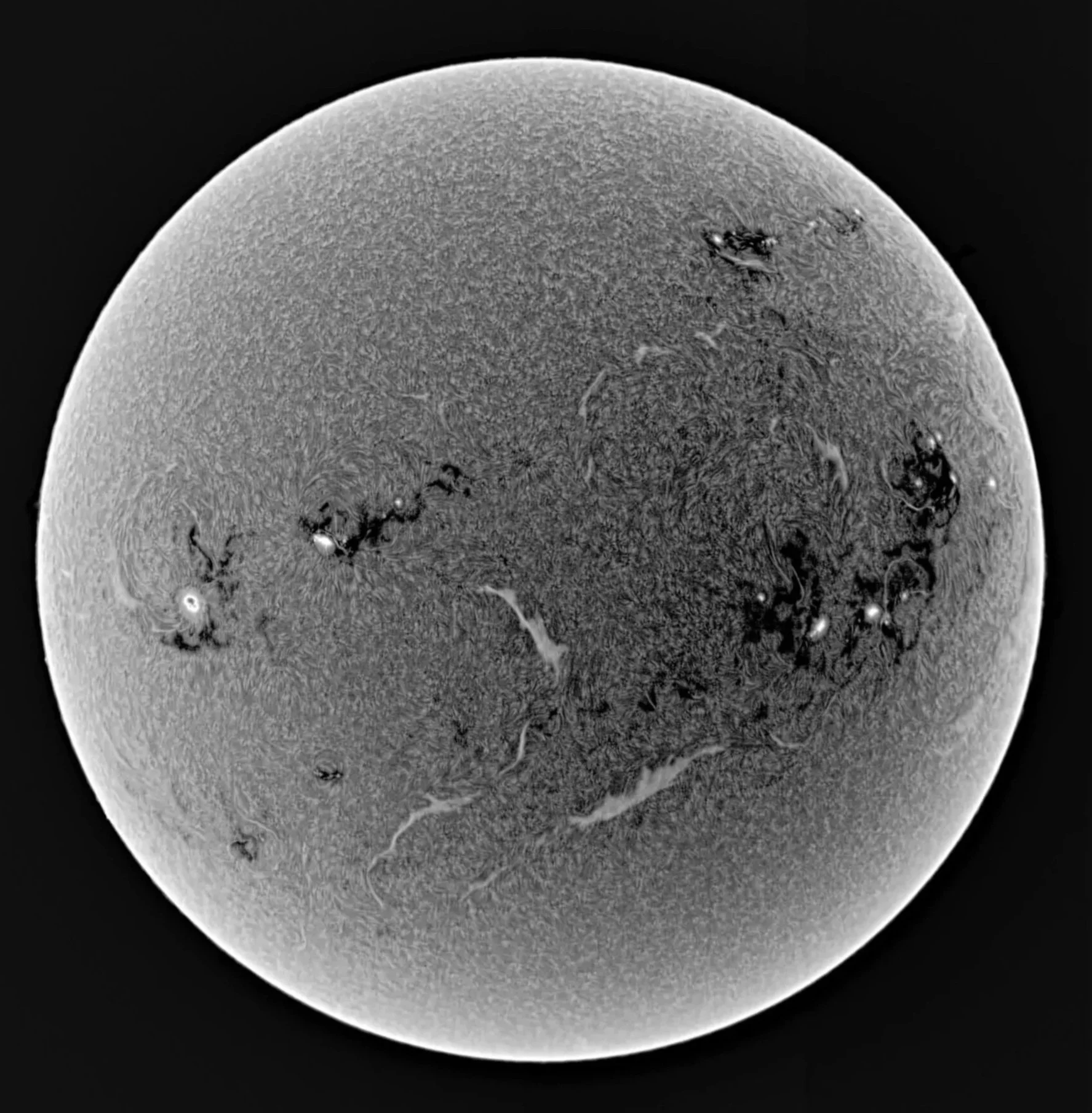
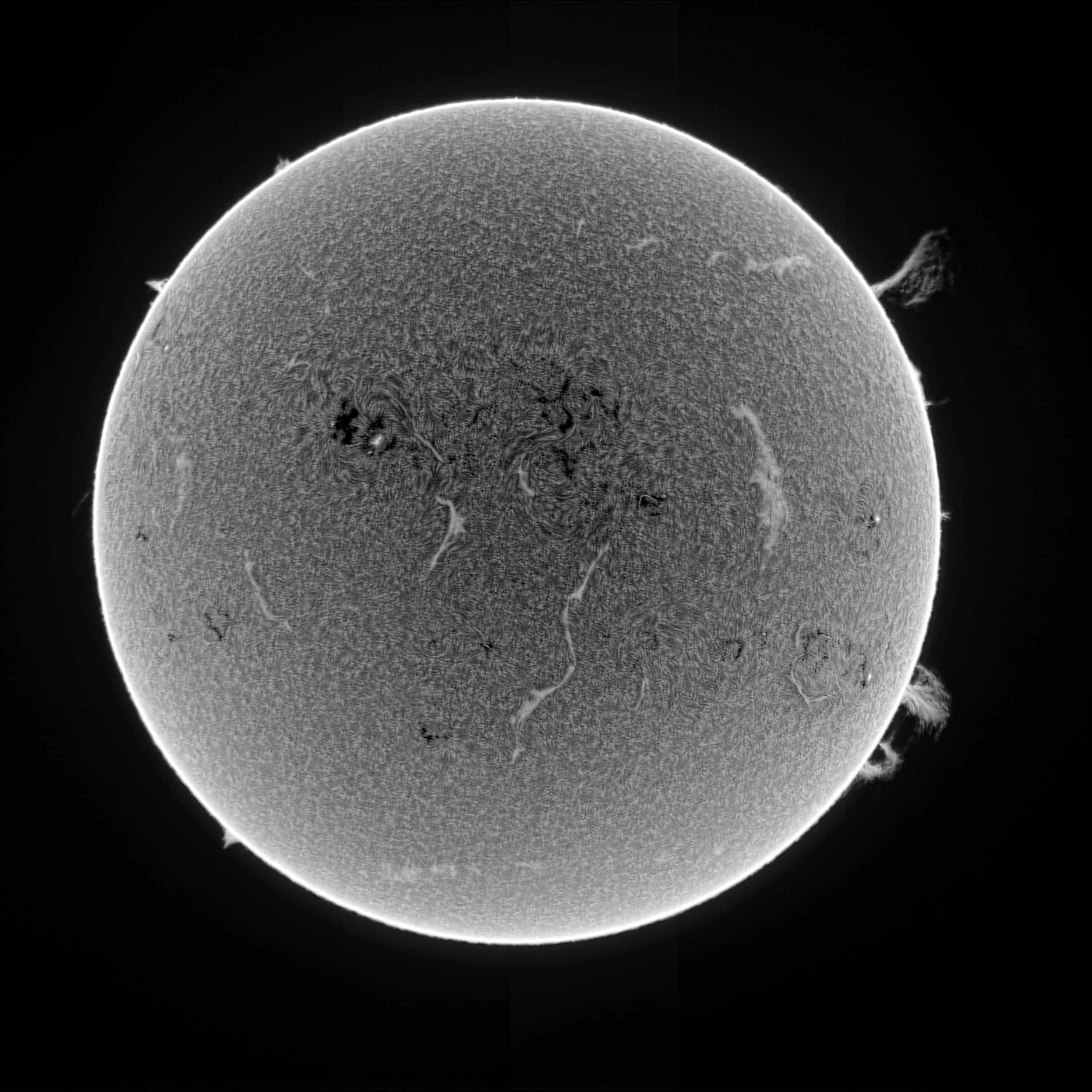
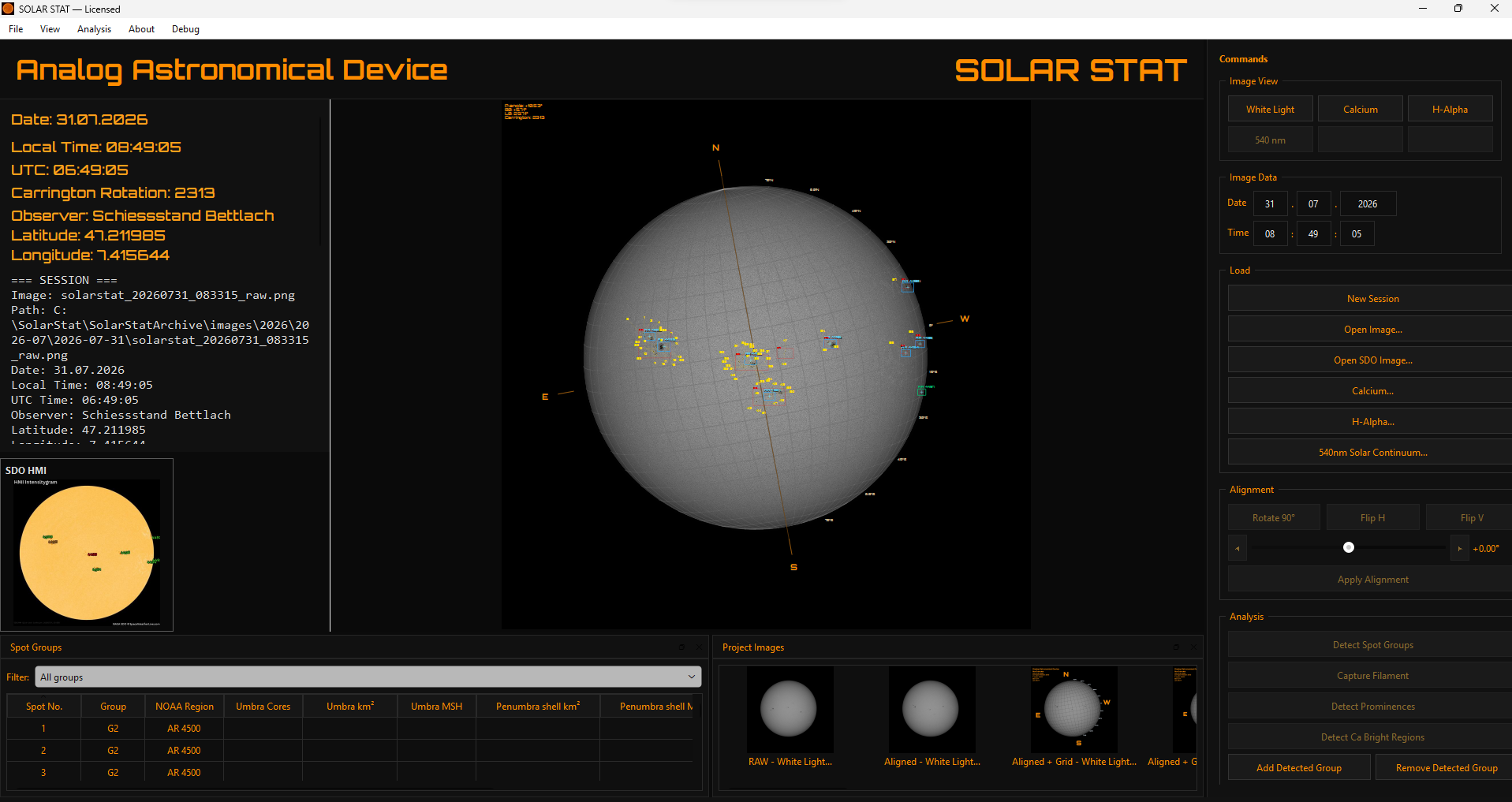
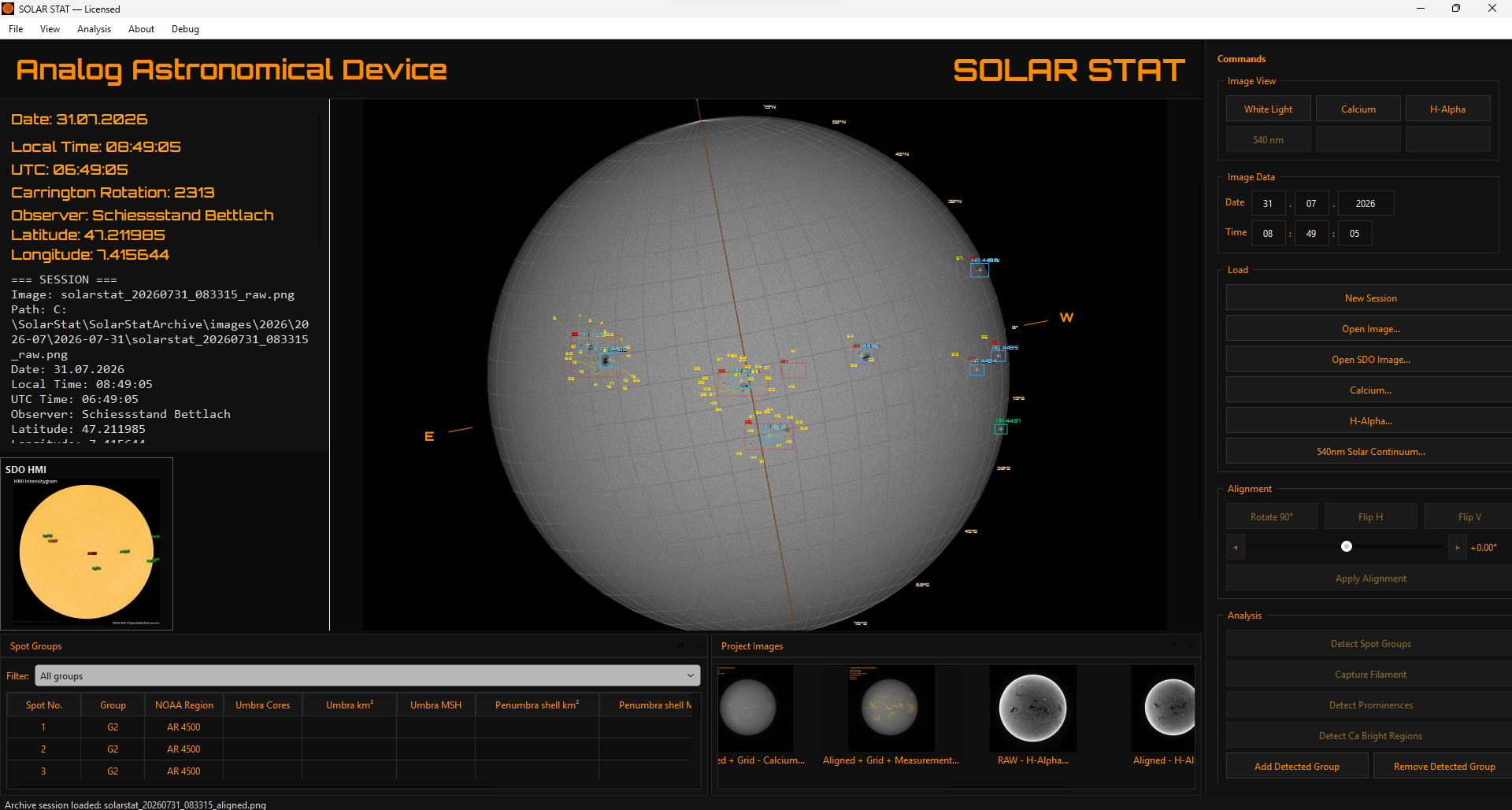
SolarStat Pro is a Windows application for structured solar observation analysis, documentation and archiving. It is designed for amateur solar observers, advanced imagers, astronomy clubs and observatories who want to document solar activity in a clear and reproducible way. SolarStat Pro supports White Light, H-Alpha, Calcium and 540 nm / Continuum observations and combines image analysis, solar coordinates, NOAA/SRS comparison, measurements, reporting and session archiving in one workflow.
Main Features
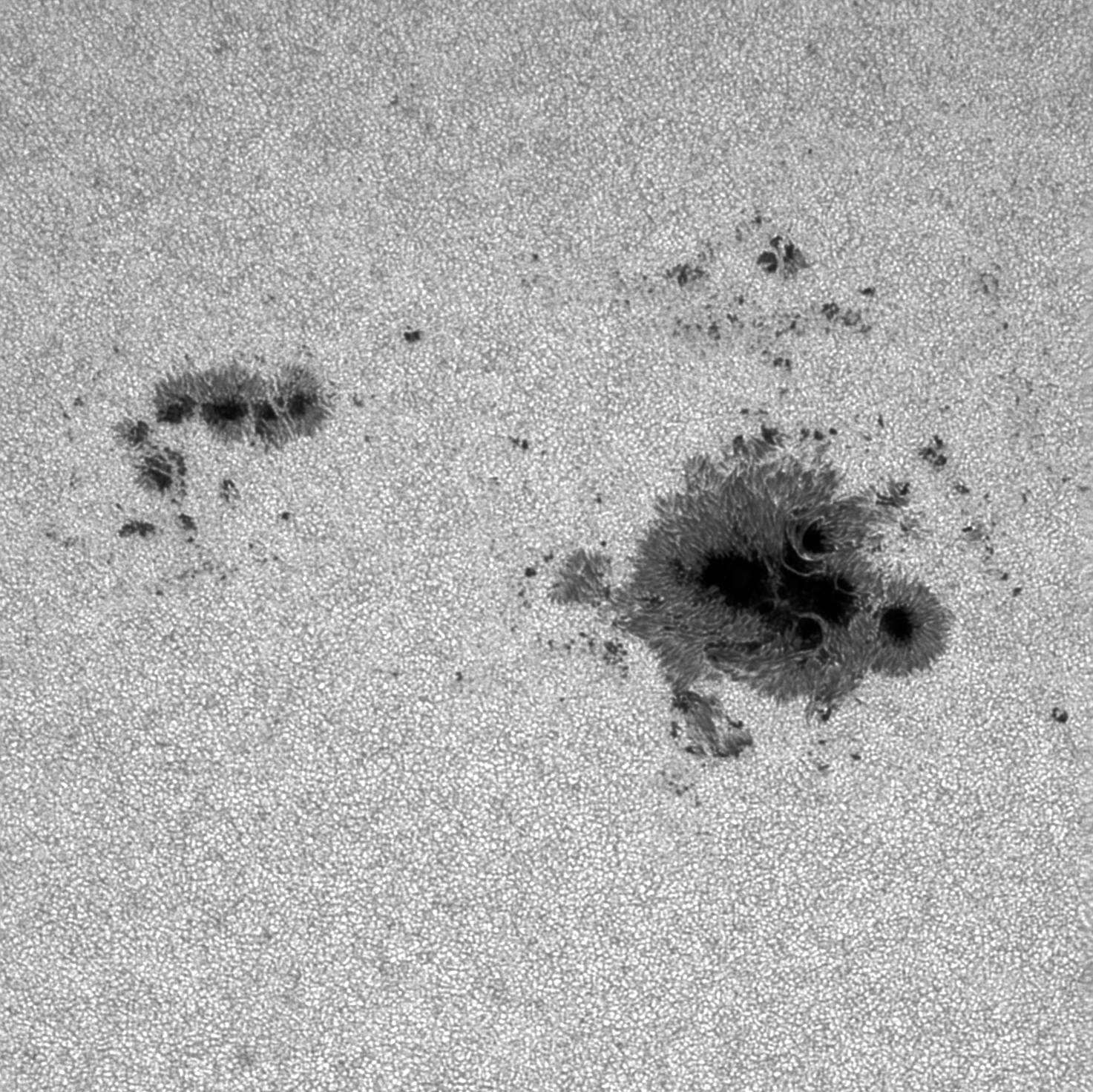
Sunspot and spot-group documentation
Manual spot marking and area measurements
Heliographic grid and solar coordinate display
NOAA/SRS active region comparison
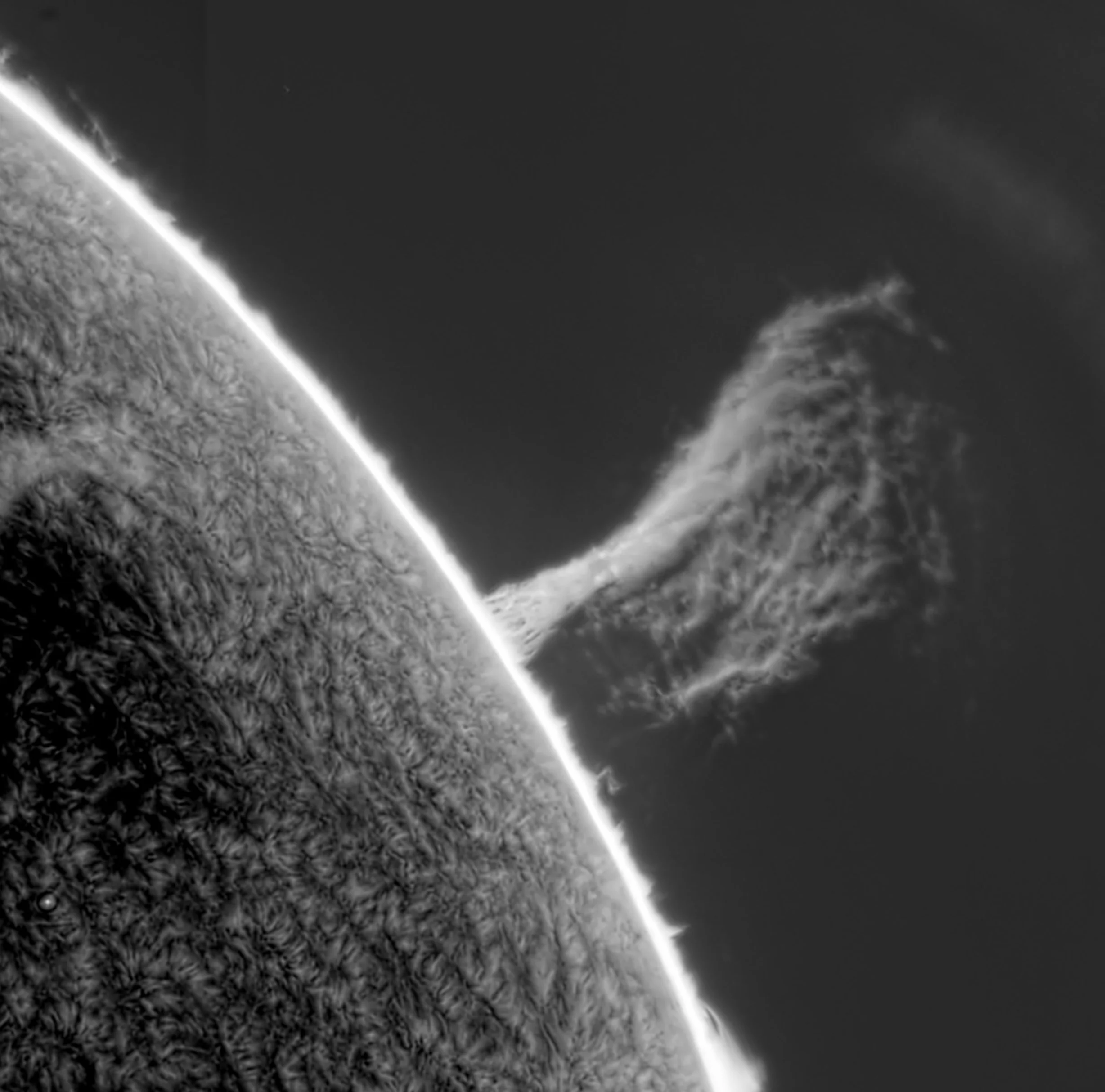
H-Alpha filament and prominence documentation
Calcium bright-region analysis
Carrington rotation analysis
Solar Activity Index
Annotated image export
CSV data export
PDF session reports
Complete session archive and restore
Observer, instrument and camera profiles
Multi-Wavelength Observation
The White Light image is the main analysis image. Additional H-Alpha, Calcium and 540 nm images can be added to the same observing session for comparison and extended analysis.
Analysis and Reporting
SolarStat Pro can generate structured measurement tables, activity analyses, annotated images, CSV files and complete PDF observation reports. Observation sessions can be archived and reopened later for long-term comparison of solar activity.
System Requirements
Operating System: Windows 11, 64-bit
Processor: Intel Core i5/i7, AMD Ryzen 5/7 or better
Memory: 16 GB RAM recommended, 32 GB for large image workflows
Storage: SSD recommended
Display: 1920 × 1080 minimum, 2560 × 1440 recommended
30-Day Trial
A 30-day trial version is available.
The trial starts when SolarStat Pro is launched for the first time. After the trial period, a valid license is required for full functionality.
Permanent License
SolarStat Pro is available as a one-time permanent digital software license with no subscription.
Price: USD 160.00
Delivery: Personal license file by email
Future updates: Included
Payments via PAYPAL or Banktransfer.
Support
For support, licensing questions or trial enquiries:
analog.astronomical.device.ch@gmail.com
Please include your SolarStat Pro version, Windows version and a short description of the issue.